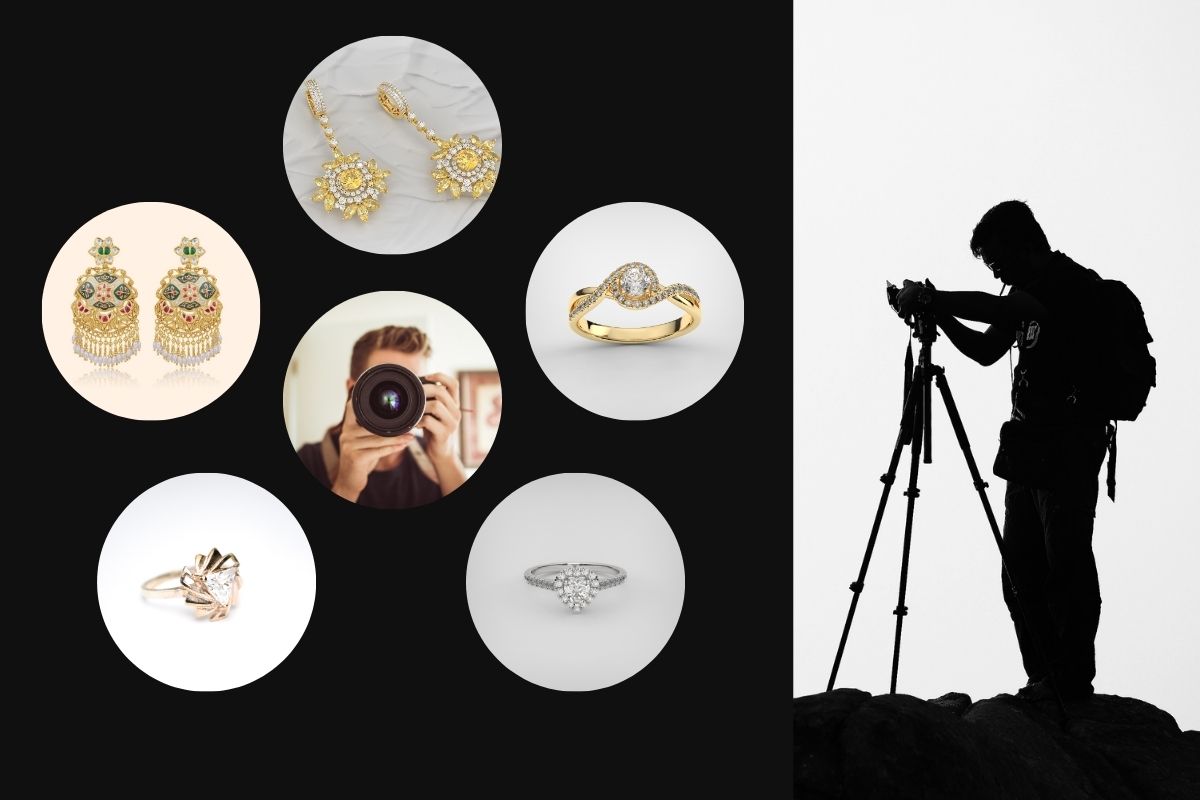
9 Technical Jewelry Photography Techniques That Minimize Retouching Time
Ansu Man | April 1, 2026 | Categories: Photography | 0 comments
Jewelry photography is one of the most demanding disciplines in commercial imaging. Highly reflective metals, transparent gemstones, micro-level details, and surface imperfections make post-production both time-consuming and technically complex.
For professional photographers handling jewelry, especially for e-commerce, catalogs, or luxury campaigns, the goal should not be to “fix everything in post-production,” but to engineer a shooting workflow that minimizes retouching requirements from the start.
Below are nine technically grounded techniques that help produce jewelry images requiring minimal post-production while maintaining premium visual quality.
1. Use Large Diffused Light Sources for Controlled Reflections
Jewelry surfaces act like mirrors. Small, direct light sources create harsh, distracting highlights that are difficult to correct in post-production.
Recommended Approach:- Use large softboxes or diffusion panels
- Increase the apparent size of the light source relative to the subject
- Position lights to create smooth gradient reflections instead of hotspots
- Cleaner highlights
- Reduced need for highlight correction
- More natural metal rendering
2. Shoot Inside a Controlled Reflection Environment
Uncontrolled environments introduce unwanted reflections, camera, studio, and even the photographer.
Solution:- Use a light tent (diffusion cube) or build a custom diffusion setup
- Surround the product with white or neutral surfaces
- Use black cards strategically to define edges and contrast
- Predictable reflections
- Minimal reflection removal in post-production
- Better edge definition
3. Clean the Jewelry at a Microscopic Level
Dust and fingerprints are significantly magnified in high-resolution jewelry photography.
Essential Tools:- microfiber cloth
- anti-static brush
- compressed air
- cotton gloves
- Clean the jewelry before every shot, not just once.
- Reduced spot healing and cloning
- Cleaner RAW files
- Faster retouching workflow
4. Use Focus Stacking for Maximum Sharpness
Jewelry pieces often have depth, especially rings, necklaces, and multi-stone designs, making it difficult to keep everything in focus.
Technique:- Capture multiple images at different focus points
- Use focus stacking software (e.g., Helicon Focus, Photoshop)
- Full-depth sharpness
- Reduced sharpening artifacts
- Less need for selective sharpening in post-production
5. Control Exposure to Preserve Highlights
Blown highlights on metals and gemstones are nearly impossible to recover.
Technical Tip:- Slightly underexpose by 1/3 to 2/3 stop
- Monitor histogram to avoid clipping
- Preserved detail in highlights
- Easier tonal adjustments in post-production
- More accurate metal texture
6. Standardize Camera and Product Positioning
Inconsistent angles and framing complicate editing and alignment during batch processing.
Best Practices:- Use a tripod with fixed positioning
- Mark product placement zones
- Maintain consistent distance and angle
- Easier batch editing
- Faster cropping and alignment
- Consistent catalog presentation
7. Use Polarizing Filters to Manage Reflections
Polarizers are highly effective for controlling reflections on certain surfaces.
Setup:- Use a circular polarizing filter (CPL) on the lens
- Combine with polarized light sources for advanced control
- Reduced glare
- improved gemstone visibility
- cleaner reflections
8. Capture Multiple Lighting Variations for Compositing
Some jewelry pieces cannot be perfectly lit in a single exposure.
Workflow:Capture separate images for:
- metal highlights
- gemstone brilliance
- shadow detail
These can later be combined.
Result:- Reduced extreme retouching
- Better control in post-production
- Higher-quality final output
9. Choose Backgrounds That Simplify Masking
Jewelry often has intricate edges, especially chains and prongs.
Recommended Backgrounds:- clean white
- matte gray
- non-reflective surfaces
- textured or patterned backgrounds
- reflective surfaces
- Easier clipping paths
- cleaner edges
- faster background replacement
Jewelry Retouching Workflow - Further Considerations
To further reduce retouching time, integrate the following into your workflow:
Tethered ShootingAllows real-time inspection of:
- dust
- reflections
- focus accuracy
Set manually to avoid color correction inconsistencies.
RAW CaptureProvides maximum flexibility for exposure and color adjustments.
To Conclude
For professional photographers, efficiency is directly tied to profitability.
By optimizing shooting techniques:
- post-production time decreases significantly
- outsourcing costs are reduced
- turnaround times improve
- image consistency increases across large catalogs
For high-volume jewelry shoots, these efficiencies can save dozens of hours per project.
Jewelry photography demands precision, not only in composition and lighting, but in workflow design. The more control you establish during the shoot, the less you need to rely on extensive retouching later.
Professional photographers who adopt these techniques can produce cleaner, more consistent images that require minimal post-production while maintaining the high standards expected in the jewelry industry.
Ultimately, the most efficient retouching workflow begins before the shutter is pressed.